Apple Watch Ultra 3: How to Run Abroad Without an iPhone.
TraveleSIM Editorial Team
Updated Feb 22, 2026 • 5 min read
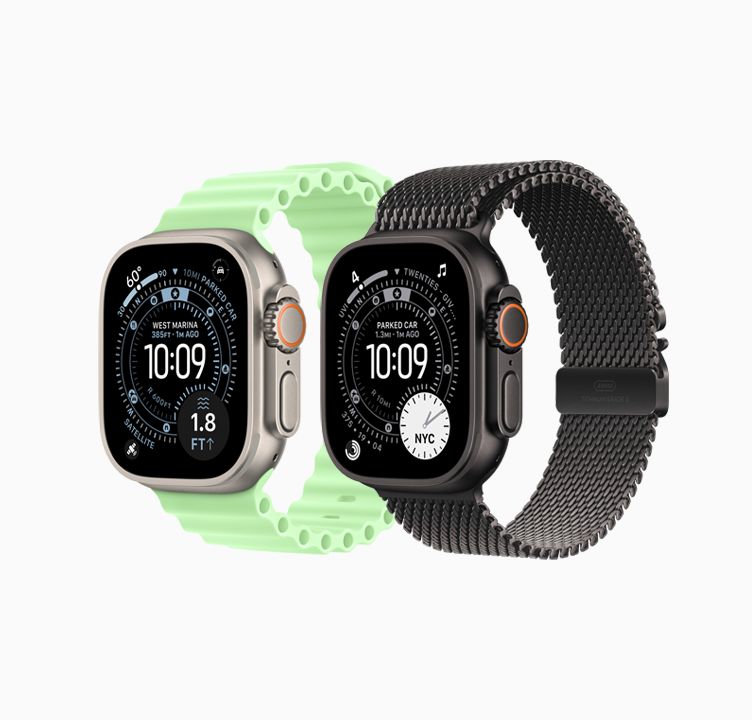
Imagine a morning run along the Seine in Paris or Yoyogi Park in Tokyo without the burden of an iPhone bouncing in your pocket. For marathon runners or casual joggers alike, exercising while on vacation is a mandatory routine.
However, leaving your phone in your hotel room while abroad often triggers anxiety. What if you get lost? What if there's an emergency? This is where the **Cellular** feature on the Apple Watch Ultra 3, combined with an eSIM plan from a global provider, becomes a true lifesaver.
Freedom of Movement
The Cellular feature on the Apple Watch Ultra is specifically designed for situations where carrying a smartphone feels cumbersome. However, the main hurdle for travelers is usually the exorbitant data roaming charges when using their home country's mobile operator.
The solution is remarkably simple: install a **Data-Only Travel eSIM** plan on your iPhone, then sync it to your Apple Watch. This way, your watch will utilize the local data quota of your destination country (e.g., using the Docomo network in Japan or T-Mobile in the US), allowing you to avoid bloated roaming bills.
How to Sync an eSIM to Your Apple Watch
The Apple Watch uses a feature called "Carrier Mirroring". Here are the activation steps:
- Activate on iPhone: Ensure you have purchased and activated a Travel eSIM (from a provider like Digitravel, Airalo, or Nomad) on your iPhone.
- Open the Watch App: Open the 'Watch' app on your iPhone, navigate to the My Watch tab, and select the Cellular menu.
- Setup Cellular: Tap Set Up Cellular. The watch will automatically read the active secondary eSIM profile on your iPhone and download its settings.
What Can You Do Without an iPhone?
Once the green signal icon lights up on your Apple Watch Ultra, here are the things you can do straight from your wrist:
- 🎵 Direct Music Streaming: Listen to your running playlist on Apple Music or Spotify directly through your AirPods, without needing to download the songs beforehand.
- 📍 Real-Time Navigation: Use Apple Maps to guide your running route with haptic feedback (vibrations) at every turn, ensuring you never get lost in a foreign city.
- 💬 Emergency Communication: Receive iMessage, WhatsApp messages (via notifications), and make data voice calls (like FaceTime Audio) directly from the watch.
Ready to run without the extra weight?
Ensure a seamless connection in your destination country. Compare eSIM data plans from the world's top providers now.
Find eSIM Plans